The itch.io page lists keyboard and mouse and asks for both in fullscreen. Looking is the mouse. Moving is W, A, S, and D. Shift sprints, and the guide says the sprint lasts only while stamina does. Digging is the left mouse button or E. That same E key is also use, sell, or buy, so one key fills the bag, sells the load at the Sand Deposit, and spends the cash at the Supply Terminal.
Every Last Grain Controls
9Listed inputs
7Keyboard rows
2Mouse rows
4Settings rows
Nine inputs are on the register below. The developer posts name P, Esc, J, and Q. Movement, sprint, and the dig button are written up in the player guide that Update 13 links, so those rows are marked as the guide rather than a devlog line.
Keyboard and mouse
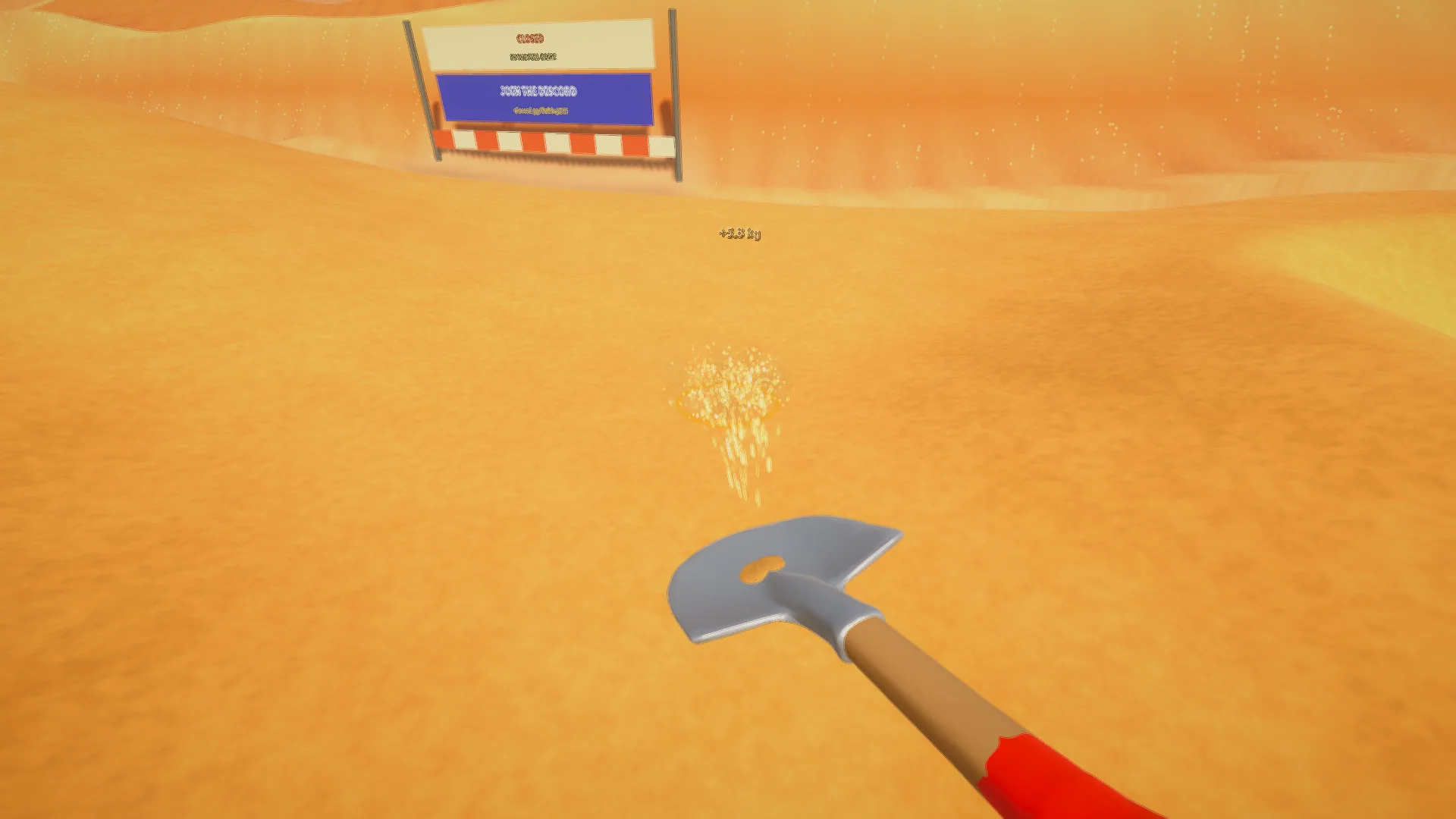
Use the device list to keep keyboard rows or mouse rows. Reset brings the full register back. The shovel shot is the digging view from the official gallery, not a diagram of the keys.
DeviceBindingEffectBacking
BindingP
EffectOpen the menu
BindingEsc
EffectLeave fullscreen and close open windows
BindingJ
EffectOpen the journal and skill tree
BindingQ
EffectUse the Sandstorm ability
BindingMouse
EffectLook around
BindingW A S D
EffectMove
BindingShift
EffectSprint while stamina lasts
BindingLeft mouse button or E
EffectDig
BindingE
EffectUse, sell or buy
Settings behind P
Update 3 splits the menu into Sound, Game, and Controls. Sound is the vacuum slider, kept apart from the rest of the mix, and the Treasure Ping slider, which can silence the ping. Game is the tab where mouse sensitivity starts at 1.5. The Controls tab is separate from those two. Low graphics is the lighter mode Update 9 placed under Settings, then Graphics, still opened with P.
TabControlDetail
TabGame
ControlMouse sensitivity
DetailStarts at 1.5
TabSound
ControlVacuum
DetailOwn slider, separate from the rest of the mix
TabSound
ControlTreasure Ping
DetailOwn slider, and the ping can be turned off
TabGraphics
ControlLow graphics
DetailLighter mode under P, Settings, Graphics
Browser fullscreen
The itch.io page recommends mouse and keyboard in fullscreen. Esc leaves fullscreen and also closes open windows, so it is both a display key and a way out of the menu. If the frame feels heavy, the low graphics option is the posted relief. There is no official touch layout.
Walking the lot with these inputs
Four bindings are the ones Oliver Kuso named in the devlogs. P opens the menu. Esc leaves fullscreen and closes whatever window is open, so it backs out of the menu and out of the browser frame. J opens the journal and the skill tree. Q uses the Sandstorm ability card. After the end card the menu can call that sandstorm, and the call asks first. A second pass pays 1.5 times the experience per kilogram, and the posted top of that range is 3 times. Unloading a full bag the slow way is what points a player at Fast Deposit in that skill tree.